E-Way Bill validity distance: how to avoid an expired bill
A wrong pincode can change the E-Way Bill validity distance and leave a truck on the road with an expired bill. Use this calm checklist before every dispatch.
 Rahul Sharma
·
9 min read
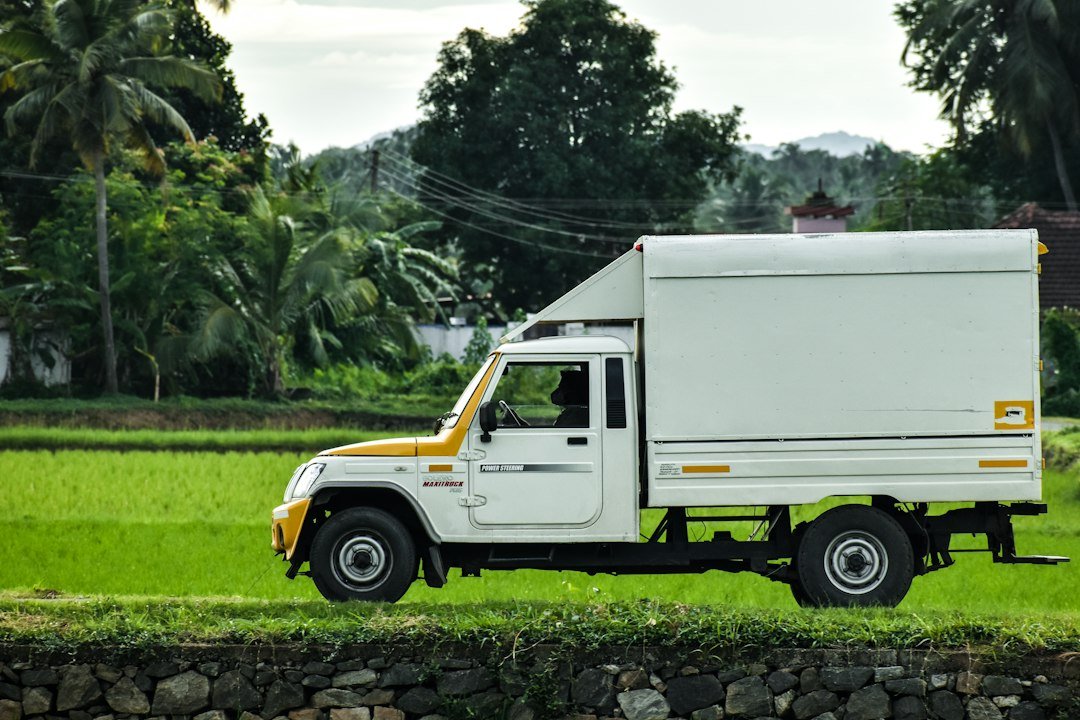
The E-Way Bill validity distance decides how long the bill stays valid, so a wrong pincode or distance can leave a truck on the road with an expired bill. Check the delivery pincode, distance, GSTIN, HSN, value and vehicle number before you press Generate. If a bill is already wrong, it can be cancelled within 24 hours and a fresh one made.
E-Way Bill validity distance: the short answer
The distance matters because it decides how long the bill stays valid. If the E-Way Bill validity distance is wrong, your truck can still be on the road when the bill runs out.
This is a calm “check before the truck leaves” routine for business owners, accountants and dispatch staff. It is not a legal guide. It helps you catch small typing slips while they are still easy to fix.
Most dispatch problems are small ones: a digit in a pincode, a vehicle number typed with spaces, a value that changed after the bill was made. None of these look serious on the screen. They show up later, on the road, when the bill has less time left than the trip needs.
We do not quote day counts here. For the current E-Way Bill validity distance rule, read the official portal at ewaybillgst.gov.in. Use the portal as your source of truth and this guide as your checklist.
Below you will find a real pincode mistake, the other errors our customers make most often, a four-point check, and what to do if a bill is already wrong or about to expire.
How a wrong pincode changes your E-Way Bill validity distance
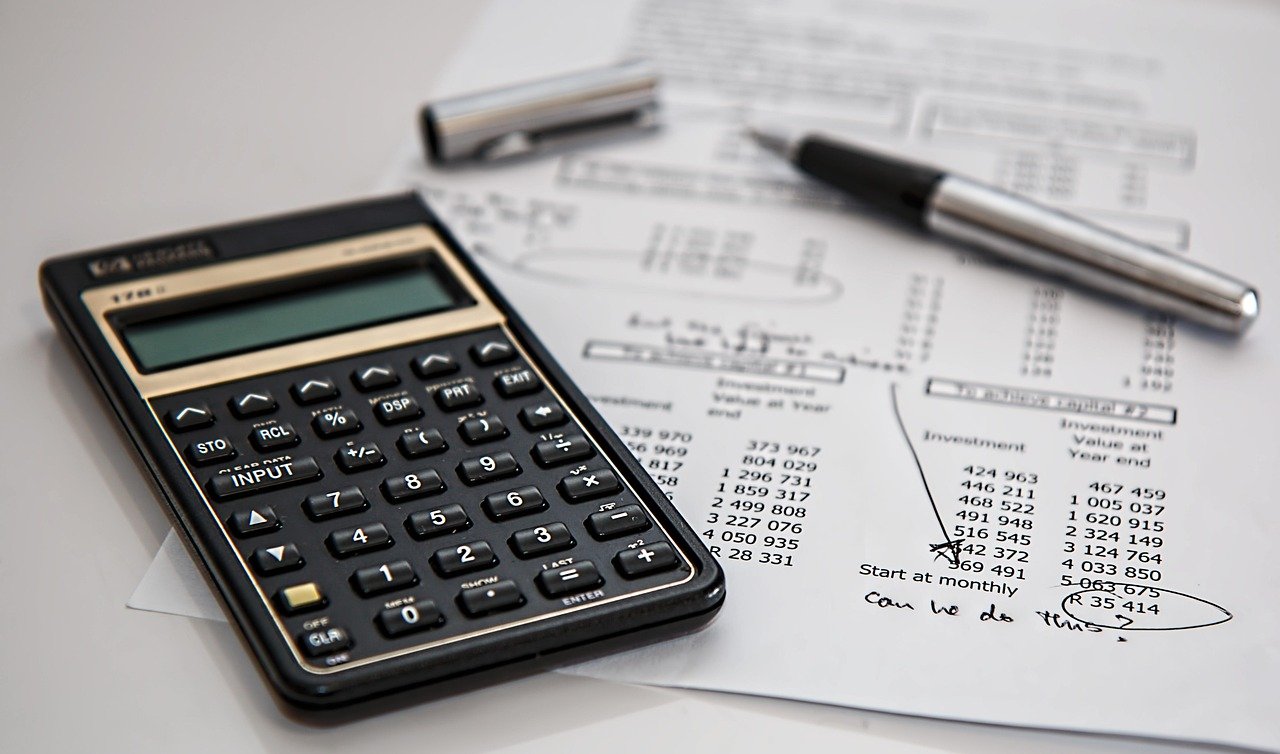
One customer typed the buyer’s pincode as 400701 instead of 410701, and the portal worked out the wrong distance and a shorter validity. The truck was still on the road when the bill expired, so the goods moved without a valid E-Way Bill.
Nothing looked wrong at the time: one digit was off, the bill was created, and the truck left. The pincode is not just an address field. In this case the wrong pincode led to a wrong distance, and the distance decides the E-Way Bill validity.
| What was typed | What happened | Result |
|---|---|---|
| Buyer pincode 400701 instead of 410701 | The portal worked out a wrong distance | Shorter validity than the real trip needs |
| Truck still on the road | The bill expires | Goods move without a valid E-Way Bill |
We have left distances out of this table on purpose. The real distance depends on your route, so read it off the portal for your own pincodes.
Two habits help your E-Way Bill validity distance stay right. Keep the buyer’s full address on the invoice and copy the pincode from there, instead of typing it fresh from a call or message. And ask your driver or transporter how far the trip is: if the distance on the screen feels far off, stop and look again.
The lesson is simple. Compare the buyer’s pincode on the invoice with the pincode on the bill, digit by digit, before you press Generate.
Other errors that cause trouble on a dispatch
Besides the pincode, our customers most often get four other things wrong when they generate a bill: the HSN code or value, the document or transaction type, a duplicate bill, and the vehicle number. A mistyped buyer GSTIN and a distance far off from the real route belong on the same list, along with the pincode case above.
- Wrong HSN code or value. The HSN code is missing or has too few digits, or the goods value differs from the invoice.
- Wrong document or transaction type. For example, choosing “Tax Invoice” when the goods actually move on a delivery challan, or “Outward – Supply” for a job-work movement. The papers must say what the movement really is.
- A duplicate bill. Creating a second E-Way Bill for the same invoice instead of cancelling the wrong one within 24 hours, or updating Part B.
- A missing or badly formatted vehicle number. The vehicle number is left blank, so only Part A is filled, or it has a typo, or it has spaces. Write “MH12AB1234”, not “MH 12 AB 1234”. Without a valid vehicle number, the E-Way Bill can’t be used for road transport.
- A truck changed mid-route. Part B needs to be updated, or the bill carries an old vehicle number.
Each of these is easy to avoid if you know where it comes from. Most come from typing details in by hand, or from rushing the bill at the last minute.
Check four things, starting with the E-Way Bill validity distance

Before you press Generate, check four things on the bill screen. Each one links back to a mistake our customers make.
- Delivery pincode. It matches the buyer’s address on the invoice, digit by digit. This is the check that would have caught 400701 instead of 410701.
- Distance. The number looks like the real route for this trip. The E-Way Bill validity distance matters because the distance decides how long the bill stays valid, so a figure that looks too high or too low is a reason to pause.
- GSTIN, HSN and value. They match the invoice exactly. A mistyped buyer GSTIN, a missing HSN code or a different goods value are all mismatches.
- Vehicle number and type. The vehicle number has no spaces, for example “MH12AB1234”, and the document and transaction type match how the goods are moving.
If all four look right, go ahead. If one looks wrong, fix it first. It is easier to change a field on the screen than to fix a bill after the truck has left.
If two people work on the same dispatch, one can raise the invoice and the other can read the details back. Use the official portal for anything you are unsure about.
Fix the invoice first, then create the bill
Finish and check the invoice first, then create the bill. Mismatches usually happen when someone edits the invoice after generating the bill, or types the details in by hand.
Here is what that looks like. A trader dispatches ₹1.2 lakh of goods. The invoice is later corrected to ₹1.25 lakh, but the E-Way Bill still shows ₹1.2 lakh and an old vehicle number. At a checkpoint, the officer finds both mismatches and detains the goods.
The same logic applies to pincodes. If the buyer’s address is corrected on the invoice after the bill is made, the pincode on the bill may now be wrong too. Treat any edit after generation as a reason to look at the bill again.
So the order is simple:
- Save the correct invoice.
- Run the four checks.
- Generate the bill from that invoice.
- Do not edit the invoice again without checking the bill.
If you need a step by step walk-through, read how to generate an E-Way Bill from your invoice. If you are still setting up your invoice, see how to create a GST invoice.
If the bill is already wrong or about to expire
If you find a wrong detail early, cancel the bill and generate a fresh one. Our customers say cancelling is allowed within 24 hours.
Do not create a second bill for the same invoice and leave the wrong one standing. That is the duplicate-bill mistake: a second E-Way Bill for the same invoice, instead of cancelling the wrong one within 24 hours, or updating Part B.
In the customer example above, the trader ended up cancelling the bill, generating a fresh one, and possibly paying a penalty. We name no penalty amount here, because it depends on the case.
If the trip is running late, act before the truck is stopped. A common mistake is generating the bill late or letting it expire: the bill is made after the truck has already left, or the trip runs past the bill’s validity and nobody extends it.
We cannot tell you here whether your bill can be extended or on what terms. Check the official portal at ewaybillgst.gov.in for the current extension conditions and time window, and do it early, not at the checkpoint.
If the goods are already stopped, speak to your accountant or tax advisor about your case.
Recap: protect your E-Way Bill validity distance
Check the delivery pincode, distance, GSTIN, HSN, value and vehicle number against a final invoice before every dispatch, so the E-Way Bill validity distance fits the real trip. If something is wrong, cancel within 24 hours and check the portal early if the trip runs late.
Most customers start invoice first, then dispatch: they raise the tax invoice, generate the E-Way Bill from it, and send the goods. Dispatch first, invoice later is less common, and it usually goes out on a delivery challan. Take a furniture maker who sends five sofas to a dealer “on approval” with a delivery challan and an E-Way Bill made from that challan. The dealer keeps three sofas, and only then does the maker raise the invoice for those three.
Apni invoice combines GST invoicing, E-Way Bill and Delivery Challan in one workflow. An E-Way Bill can be generated from an existing invoice. Today the bill itself is generated on the official website, and for a delivery challan you fill in the transport and vehicle details.
See the Apni invoice pricing page or contact us to talk it through.
FAQs
How is E-Way Bill validity distance decided?
The distance decides how long the bill stays valid, so the E-Way Bill validity distance is the number to check. For the current rule and day counts, check the official portal at ewaybillgst.gov.in.
What happens to the E-Way Bill validity distance if I type the wrong pincode?
The bill can get a wrong distance and a shorter validity. In one customer case, a buyer pincode typed as 400701 instead of 410701 meant the bill expired while the truck was still on the road.
Can I fix a wrong E-Way Bill?
Our customers say a wrong bill can be cancelled within 24 hours and a fresh one generated. Do not leave the wrong bill standing and make a second one for the same invoice.
What if my trip runs late?
Bills expire when the trip runs past validity and nobody extends them. Check ewaybillgst.gov.in early for the current extension conditions.
Which other mistakes should I check for?
Check the GSTIN, HSN code and value against the invoice, the document and transaction type, and the vehicle number, written as MH12AB1234 with no spaces. Do not create a duplicate bill for the same invoice.
Do I generate the E-Way Bill inside Apni invoice?
Apni invoice combines GST invoicing, E-Way Bill and Delivery Challan in one workflow. An E-Way Bill can be generated from an existing invoice. Today the bill itself is generated on the official website, and for a delivery challan you fill in the transport and vehicle details.


Join the conversation